 Ikura Cart
Using the Visit Japan Web Tax-Free QR in Stores
Updated 2026-09-21
Reviewed 2026-09-21
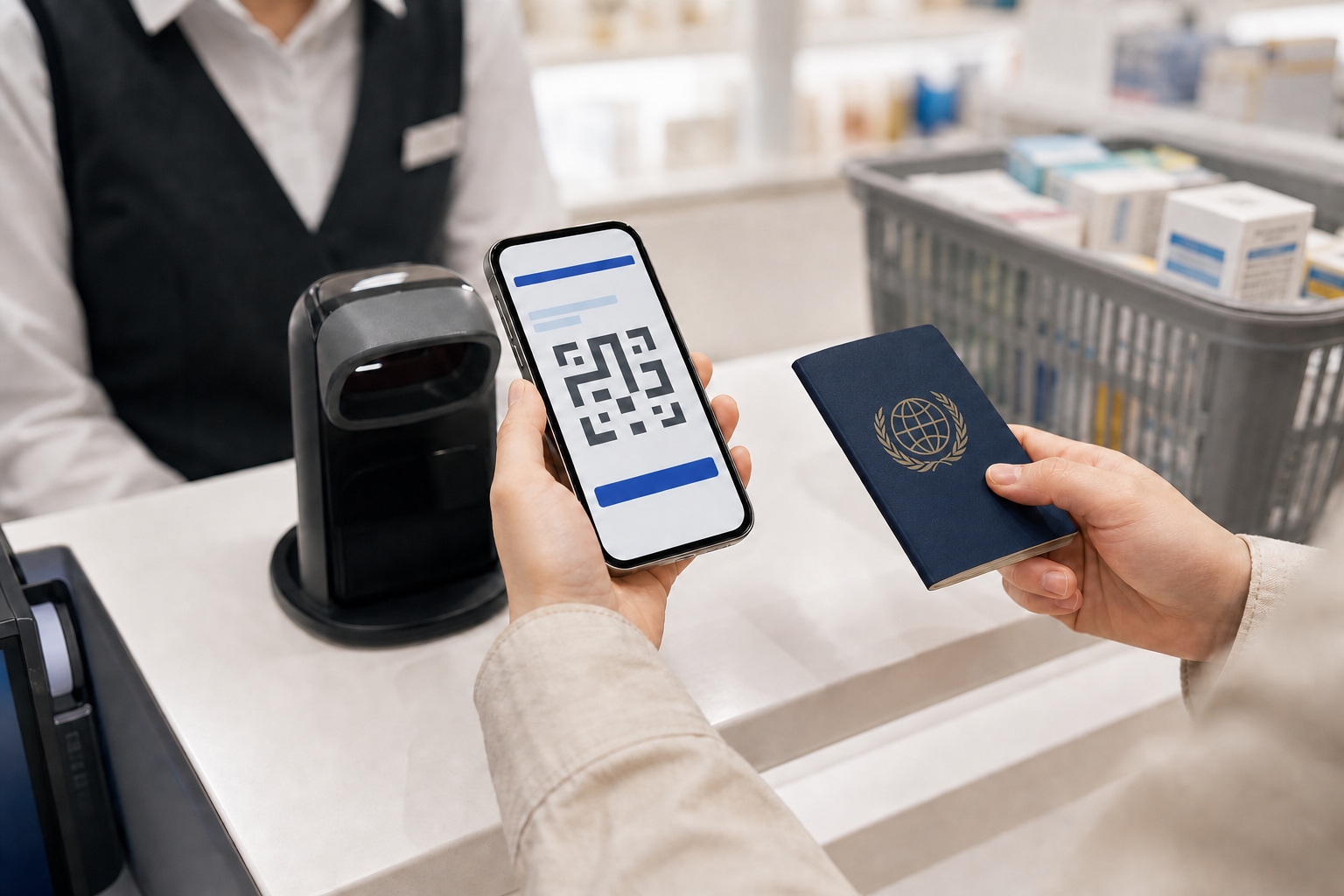
At a participating shop, the Visit Japan Web tax-free QR lets the register retrieve the passport details needed for tax-free processing. It does not replace the tax-free rules, and it is not accepted everywhere.
Set it up after you enter Japan
The shopping code is separate from the code used for immigration and customs. Visit Japan Web asks you to register a scanned passport and read the landing-permission stamp before it can create the tax-free code.
Finish that step after arrival rather than discovering it in a checkout line. Having an arrival QR on your phone does not mean the shopping code is ready.
Look for a participating store
A shop needs to be both an authorized tax-free store and a participant in the Visit Japan Web code service. The tax-free logo alone does not show that the QR is supported, so ask the branch before you queue.
Where it is accepted, staff scan the code to receive your passport information. Purchase thresholds, eligible goods and the store's own checkout rules still apply.
Open the live code at the register
Screenshots are specifically excluded by the Digital Agency. Sign in and display the current tax-free code from Visit Japan Web when the cashier asks for it.
A weak connection or expired session is easier to deal with before your turn, so open the page while you are still organizing the basket.
Carry your passport anyway
The QR is not a universal digital passport. If a store does not participate or needs an additional check, follow its passport procedure. Keeping the original passport with you prevents the QR from becoming a dead end.
The code also does not prove that a basket qualifies. The store still decides which purchases it can process as tax-free.
Give each tool one job
- Use Visit Japan Web to provide passport information at a supporting register.
- Use Ikura Cart to estimate the price, tax and running basket total.
- Use the store's answer for eligibility, accepted receipts and the final amount.
- Keep the original passport and purchased goods available for required checks.
FAQ
Is the tax-free QR the same as my immigration and customs QR?
No. The tax-free shopping code is created separately after passport and landing-permission information is registered.
Can I show a screenshot of the tax-free QR code?
No. The Digital Agency says screenshots cannot be used; display the live code in Visit Japan Web.
Does every tax-free store accept the Visit Japan Web code?
No. The official guide limits it to stores that support tax-free shopping service codes. Ask the branch before checkout.
Does the QR code make any purchase tax-free?
No. It supplies identity information. Tax-free eligibility, purchase amounts, eligible goods, and store procedures still apply.