 Ikura Cart
What a Japan Shopping App Should Do for a Tourist
Updated 2026-09-21
Reviewed 2026-09-21
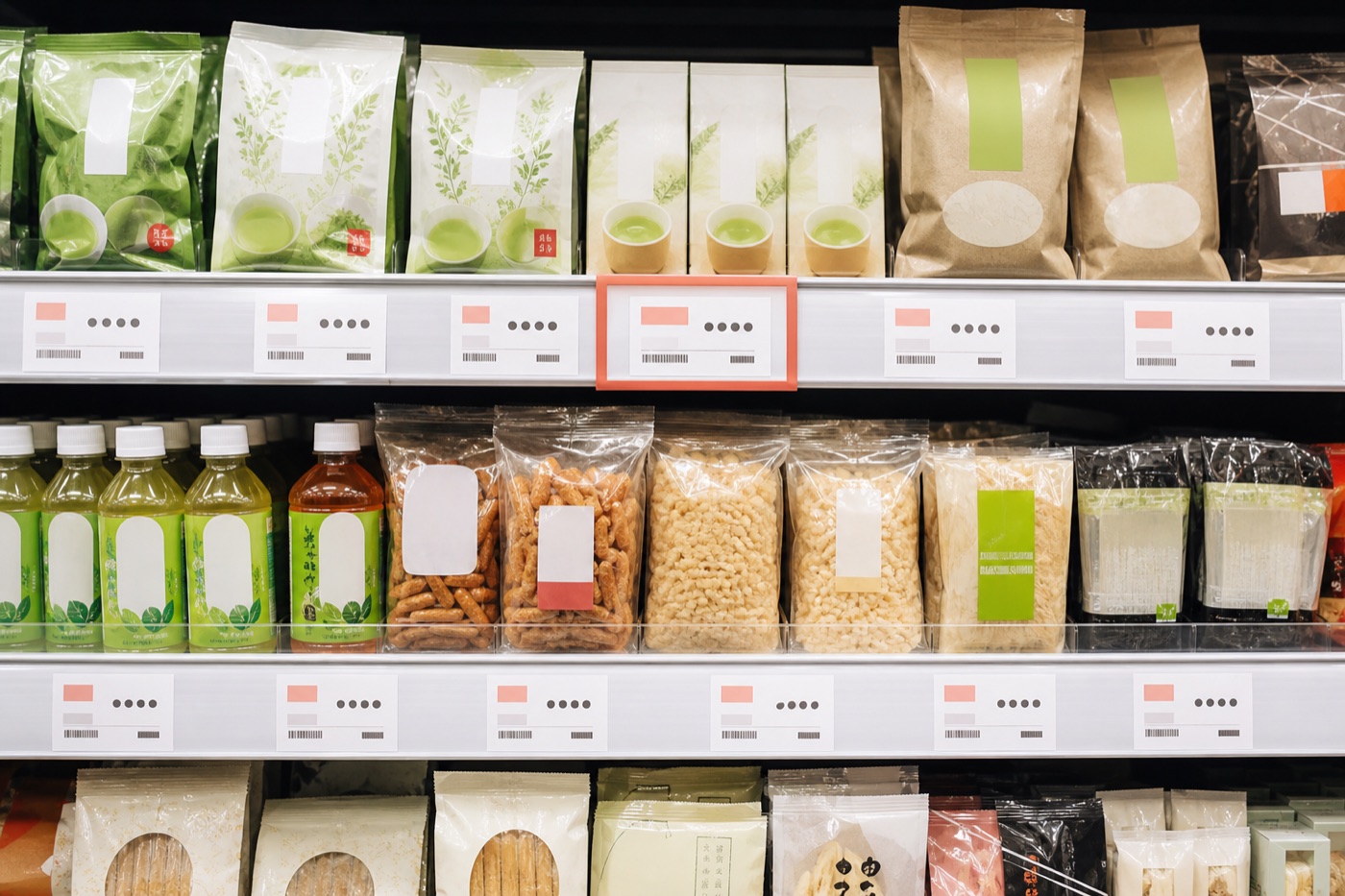
A useful Japan shopping app should answer the questions that appear between the shelf and the checkout: what the label says, whether tax is included, what the basket costs in your currency, and how the purchase changes your trip budget.
Start with Japanese price tags, not general translation
A general camera translator is helpful for signs and long passages. Shopping needs a narrower workflow: identify the product, separate pre-tax and tax-included prices, estimate the amount in your selected currency and keep the result ready to add to a basket.
Ikura Cart is built around that workflow. You scan a Japanese price tag, review the recognized product and price, then decide whether to add it. Manual price entry remains useful when a label is blurred, reflective or unusually formatted.
Check the basket before you reach the register
The most useful number is often not a single converted price but the running total. A shopping-focused app should add each item, show the estimated total in yen and your selected currency, and make it easy to correct quantity or price before checkout.
For eligible visitors, tax-free progress can be a planning aid. It is not a promise of eligibility: the store, item type, purchase timing and passport check decide the final treatment.
Keep receipts and trip spending in the same place
Shopping does not end when the payment succeeds. A receipt total, payment method and date help you understand what the trip has actually cost. Keeping meals, transport, tickets and purchases together prevents a separate shopping total from hiding the real budget.
Ikura Cart can read a receipt total for you to confirm before saving, record cash and card separately, and include reimbursements when a travel companion pays you back.
Treat currency and receipt results as estimates
A converted amount is a planning figure. Your card network, issuer, payment date and any foreign transaction fee can change the final amount. Dynamic currency conversion at the terminal is another separate rate decision.
Camera recognition also needs a quick human check. Confirm the tax-included amount and receipt total on screen before saving, especially when the print is faint or several totals appear together.
Use a simple shelf-to-budget routine
Scan the label, confirm the tax-included price, add the item, and check the basket total. After payment, scan or enter the receipt total and choose cash or card. The routine is short enough to use in a busy store but leaves a useful record for the rest of the trip.
A shopping app should complement maps, transit and translation tools rather than replace them. Give each app one clear job and keep the phone setup simple.
FAQ
What app can scan Japanese price tags?
Ikura Cart scans Japanese price tags, shows the recognized product and tax-included price, estimates the amount in your selected currency and lets you add the item to a running cart.
Can a Japan shopping app guarantee tax-free shopping?
No. It can show progress as a planning reference, but the store decides eligibility using the current rules, eligible items and the visitor's documents.
Does Ikura Cart replace a Japanese translator?
No. It is focused on shopping and travel spending. Use a general translator for conversations, menus, signs and long passages.
Can I use the app without scanning every item?
Yes. You can enter a price manually when a label cannot be scanned or when you only need to add a known amount to the cart.